






 Beginner
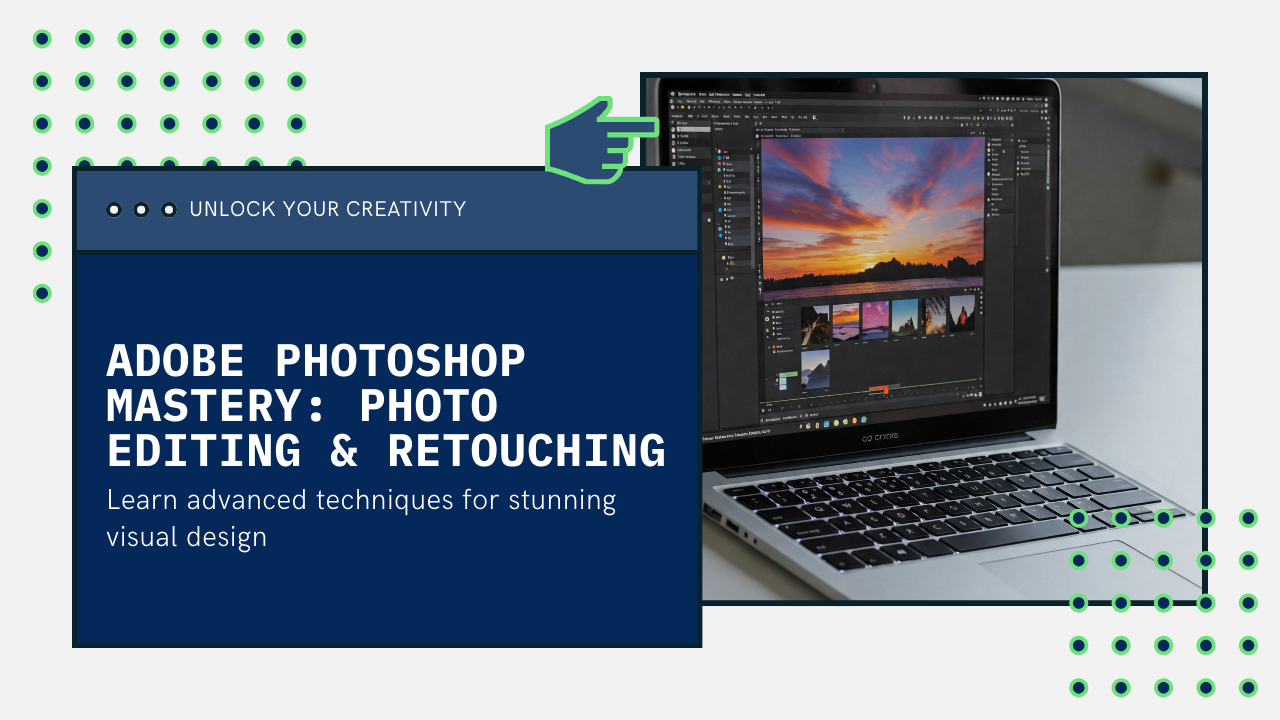
Adobe Photoshop Mastery: Photo Editing, Retouching & Creative Design
Master Adobe Photoshop to edit photos, create digital artworks, marketing creatives, and professional-level graphics.
Available Coaching Centers:
No coaching centers found in this location. Please try another area.
×
Request your Demo Today
Intermediate
Course Description
Adobe Photoshop is the world’s most powerful tool for image editing and creative design. This course is built to take you from beginner to expert in Photoshop, covering everything from basic tools and photo retouching to advanced digital compositing and creative design.
You’ll learn how to edit images like a pro, design stunning posters and social media creatives, and work with Photoshop’s powerful features such as smart objects, masks, filters, and blending modes. The course is project-based, so you’ll practice your skills by creating real-world design projects.
By the end of this course, you’ll have the confidence to work as a Photoshop professional—whether for freelancing, marketing, photography, or creative industries.
Target Audience:
- Beginners and intermediates who want to learn Photoshop professionally
- Photographers looking to master photo editing and retouching
- Content creators, marketers, and designers creating digital assets
- Freelancers interested in design and creative projects
Prerequisites:
- Basic computer knowledge
- No prior Photoshop experience required
Learning Outcomes:
- Understand Photoshop tools, layers, and workflows
- Retouch and enhance photos professionally
- Create posters, banners, and marketing creatives
- Design digital art using blending and compositing
- Export high-quality files for print and digital use.
Learning Path
10 Modules • Click a step to explore
0%
Module 1
Module 2
Module 3
Module 4
Module 5
Module 6
Module 7
Module 8
Module 9
Module 10
1
Photoshop Fundamentals
1.1
Workspace & Navigation: Understanding the Photoshop interface, customizing workspaces, creating files, and navigating projects.
Core Concepts: Working with Artboards and placing photos/graphics.
Layers Basics: Introduction to the Layers Panel, including aligning, organizing, and linking layers.
2
Mastering Selections and Masks
2.1
Selection Tools: Using the Magic Wand, Object Selection, and Color Range selection tools.
Refining Selections: Improving edges with the Refine Edge tools.
Masking & Removal: Applying Layer Masks and using Content-Aware Fill to easily remove objects.
3
Basic Photo Editing and Adjustments
3.1
Fundamental Corrections: Adjusting exposure, enhancing colors, and cropping photos.
Light & Shadow: Introduction to dodging and burning techniques to enhance images.
Layer Adjustments: Applying and managing Adjustment Layers and Layer Styles like strokes and glows.
4
Shapes, Text, and Graphic Design
4.1
Vector Tools: Creating custom shapes with the Pen and Curvature tools.
Typography: Adding text to projects, warping text, and making text follow a path or shape.
Project Application: Designing social media graphics and text-based posters.
5
Advanced Layer Effects and Blending
5.1
Layer Styles: In-depth exploration of Bevel and Emboss, glows, strokes, and other effects.
Blend Modes: Understanding how to use blend modes to remove backgrounds and create unique visual effects like a camera flare.
6
Professional Photo Retouching
6.1
Blemish & Object Removal: Removing blemishes and unwanted objects from portraits.
Skin & Feature Enhancement: Techniques for smoothing skin, removing bags under eyes, and enhancing eye color.
Advanced Techniques: Using professional dodging and burning for portrait enhancement and the Liquify tool for subtle adjustments.
7
Mastering Adobe Camera Raw
7.1
RAW Workflow: The complete process of editing RAW photos, including cropping, straightening, and white balance adjustments.
Core Adjustments: Controlling exposure, color, saturation, sharpening, and noise reduction.
Advanced Tools: Using the Tone Curve, HSL panel, lens corrections, and targeted adjustment tools (Graduated, Radial, Brush filters) with Range Masks.
8
Creative Filters and Workflow Efficiency
8.1
Filter Gallery: Exploring creative effects using the Filter Gallery and adjusting filter strength.
Adobe Library: Speeding up your workflow by utilizing the Adobe Library for assets.
Compositing Project: Applying skills to create a fantasy-themed photo composite.
9
Saving, Exporting, and Finalizing
9.1
File Management: Properly saving Photoshop projects.
Exporting for Any Use: Exporting files for various purposes (web, print) and as JPEGs.
Artboard Exporting: Efficiently exporting multiple graphics using Artboards.
10
Advanced Design and Illustration Projects
10.1
Graphic Design: Creating badge logos and infographics.
Creative Illustration: Designing a mystical-themed illustration.
Full-Length Projects: Applying all learned skills to complete complex projects from start to finish.
Leave a Review
Your feedback matters! Share your learning experience to help other students choose their path and improve our community.
Tap to Rate
Ask a question about this course
Have a question before you buy? Ask anything about the course and our team or community will reply directly in the thread below.
Student Login Required
Please login as a student to ask questions, read threads, and join the discussion about this course.
What’s Included
Everything you need to know about this course
Lectures
16 ClassesDuration
8 weeksLevel
BeginnerLanguage
English / HindiWhat you need / Requirement
Audio/Video Essentials
Headphone or Speakers for clear audio, Webcam & Microphone.

Basic Tools
PDF Reader (for notes and study materials)

Internet Connection
Stable Internet with at least 2 Mbps speed for smooth video streaming and interactive content.

Device
Smartphone, Tablet, Laptop or Desktop Computer.
Learning Path
Your Journey. Your Growth.
A structured path designed to take you from basics to mastery with clarity, confidence, and real-world impact.
01
Beginner
Start with fundamental concepts and build a strong foundation.
02
Intermediate
Expand your knowledge and start building practical projects.
03
Advanced
Dive deeper into specialized areas and master complex techniques.
04
Master
Achieve expert-level proficiency and innovate with your skills.
Explore Similar Topics
Discover more similar content to expand your knowledge and sharpen your skills.
Beginner
 Intermediate
 Intermediate
Adobe Premiere Pro: Video Editing Essentials
Bestseller
 Intermediate
 Intermediate
Motion Graphics & Animation Design
Bestseller
 Intermediate
UX Research and Usability Testing Bootcamp
Bestseller
 Intermediate
Trending New Courses
Explore the most popular programs across diverse fields and start your skill-building journey today!
 Trending
Beginner
Trending
Beginner
Machine Learning For Absolute Beginners
Bestseller
![My Money My Future - Financial Literacy [For Classes 6-8]](https://vilab.co.in/assets/panelImagesUpload/Courses/Thumbnail.png) Trending
Beginner
Trending
Beginner
 Trending
Beginner
Trending
Beginner
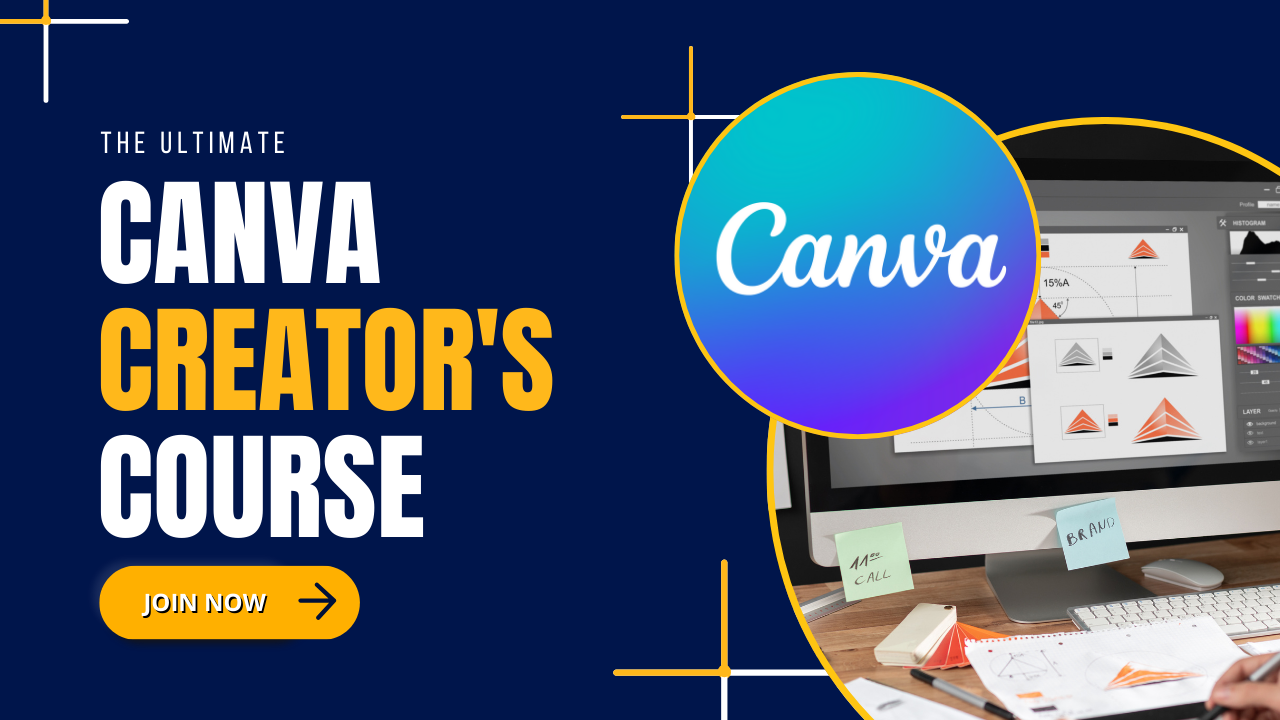
The Ultimate Canva Creator's Course
Bestseller
 Trending
Beginner
Trending
Beginner
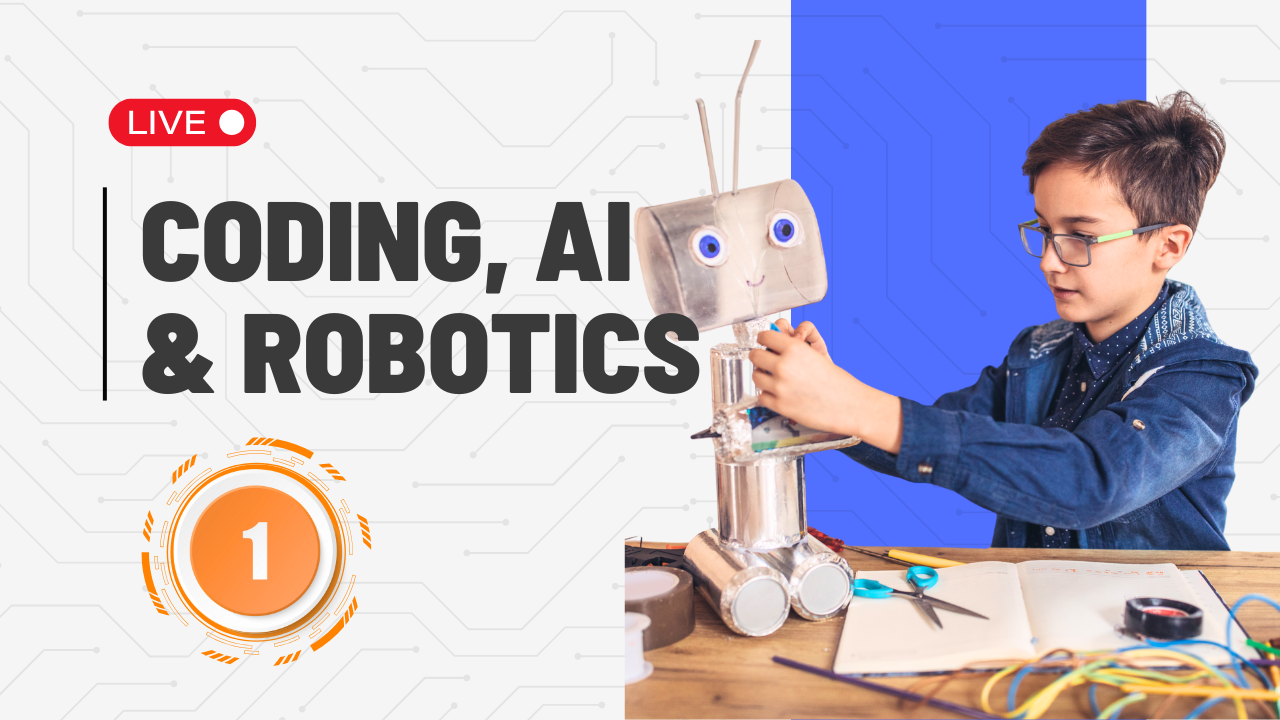
Coding, AI and Robotics For Class 1
Bestseller
Our Top Product Kits
Check out our best products made to make learning fun, easy and super exciting for everyone.
Beginner
Beginner
Beginner
Beginner
Intermediate
Beginner
Intermediate
Intermediate
Still Have Doubts? Let's Connect!
Our academic counselors are available 24/7 to help you choose the right path for your career goals.
Your information is 100% secure with us.