


 Beginner
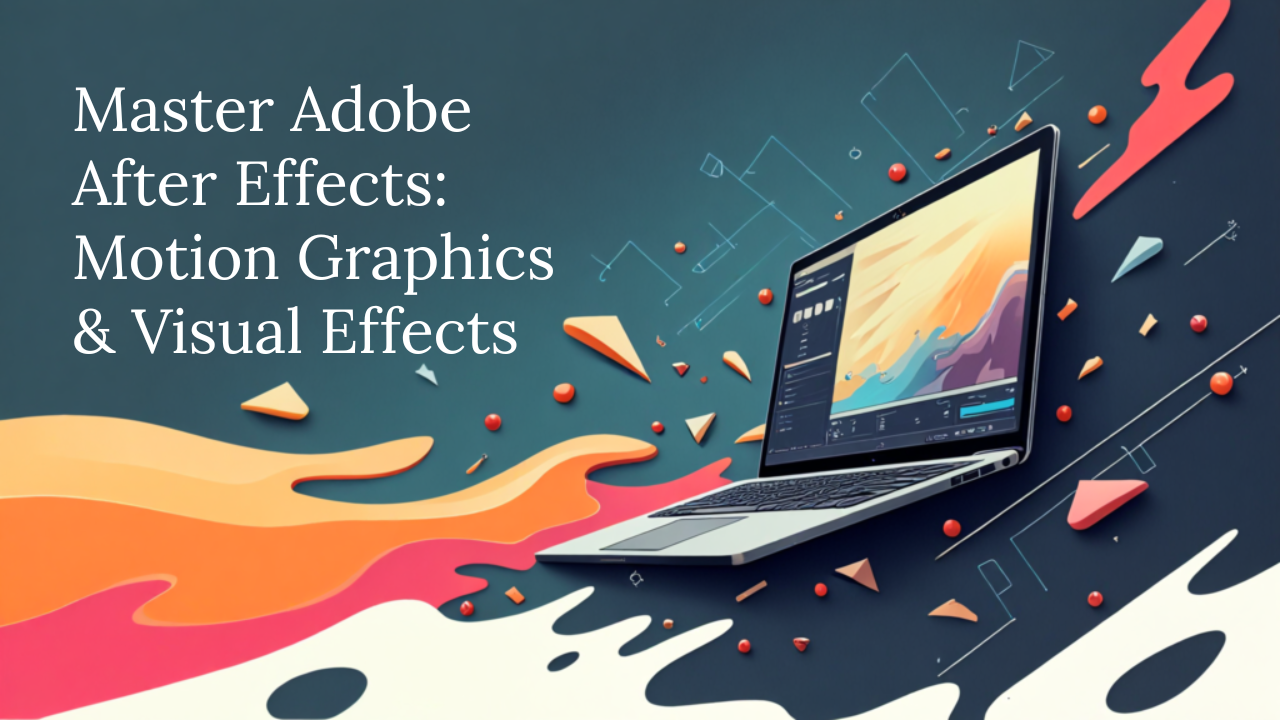
Adobe After Effects Mastery: Motion Graphics & Visual Effects
Learn After Effects for professional motion graphics, VFX, and animation. From keyframes to compositing, create stunning visual effects and animations.
Available Coaching Centers:
No coaching centers found in this location. Please try another area.
×
Request your Demo Today
Intermediate
Course Description
Adobe After Effects is the industry standard for motion graphics and visual effects. This course is designed to take you from beginner to pro with step-by-step modules covering animation, compositing, tracking, and visual storytelling.
You’ll master keyframes, masks, rotoscoping, 3D layers, particle effects, and rendering workflows. Each module includes practical projects, ensuring you gain hands-on experience creating professional motion graphics and visual effects for film, advertising, and social media.
By the end, you’ll have a portfolio of VFX projects, animated titles, and motion graphics reels to showcase your creative expertise.
Target Audience:
- Beginners and intermediate designers
- Filmmakers, editors, and YouTubers
- Motion graphic artists and animators
- Marketing professionals creating visual ads
Prerequisites:
- Basic computer literacy
- No prior After Effects knowledge required
Learning Outcomes:
- Navigate After Effects and set up projects
- Animate text, shapes, and graphics with keyframes
- Create motion graphics, visual effects, and composites
- Use tracking, rotoscoping, and green-screen workflows
- Work with 3D layers, lights, and cameras
- Export professional-quality motion videos
Learning Path
0 Modules • Click a step to explore
0%
Leave a Review
Your feedback matters! Share your learning experience to help other students choose their path and improve our community.
Tap to Rate
Ask a question about this course
Have a question before you buy? Ask anything about the course and our team or community will reply directly in the thread below.
Student Login Required
Please login as a student to ask questions, read threads, and join the discussion about this course.
What’s Included
Everything you need to know about this course
Lectures
16 ClassesDuration
8 weeksLevel
BeginnerLanguage
English / HindiWhat you need / Requirement
Basic Tools
PDF Reader (for notes and study materials)

Browser/App
Latest version of Google Chrome, Firefox, Safari or Microsoft Edge.

Internet Connection
Stable Internet with at least 2 Mbps speed for smooth video streaming and interactive content.
Device
Smartphone, Tablet, Laptop or Desktop Computer.
Learning Path
Your Journey. Your Growth.
A structured path designed to take you from basics to mastery with clarity, confidence, and real-world impact.
01
Beginner
Start with fundamental concepts and build a strong foundation.
02
Intermediate
Expand your knowledge and start building practical projects.
03
Advanced
Dive deeper into specialized areas and master complex techniques.
04
Master
Achieve expert-level proficiency and innovate with your skills.
Explore Similar Topics
Discover more similar content to expand your knowledge and sharpen your skills.
Beginner
 Intermediate
 Intermediate
 Intermediate
Adobe Premiere Pro: Video Editing Essentials
Bestseller
 Intermediate
Motion Graphics & Animation Design
Bestseller
 Intermediate
UX Research and Usability Testing Bootcamp
Bestseller
 Intermediate
Trending New Courses
Explore the most popular programs across diverse fields and start your skill-building journey today!
 Trending
Beginner
Trending
Beginner
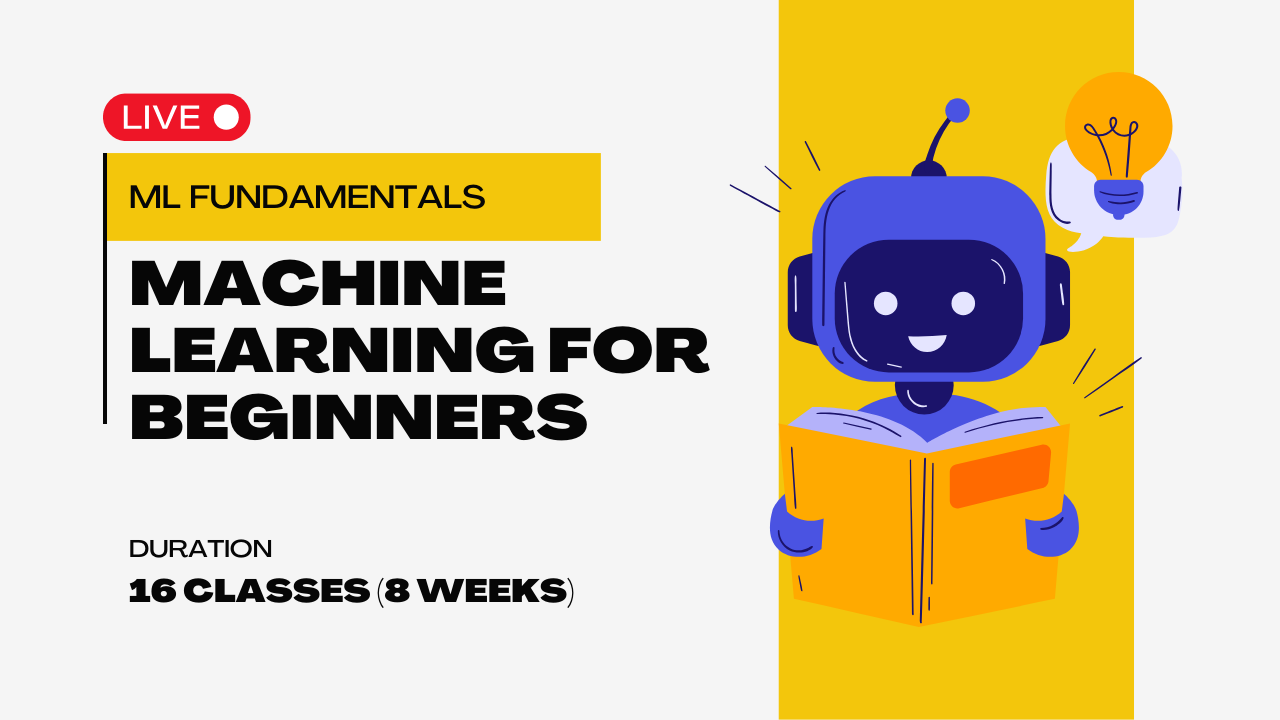
Machine Learning For Absolute Beginners
Bestseller
![My Money My Future - Financial Literacy [For Classes 6-8]](https://vilab.co.in/assets/panelImagesUpload/Courses/Thumbnail.png) Trending
Beginner
Trending
Beginner
 Trending
Beginner
Trending
Beginner
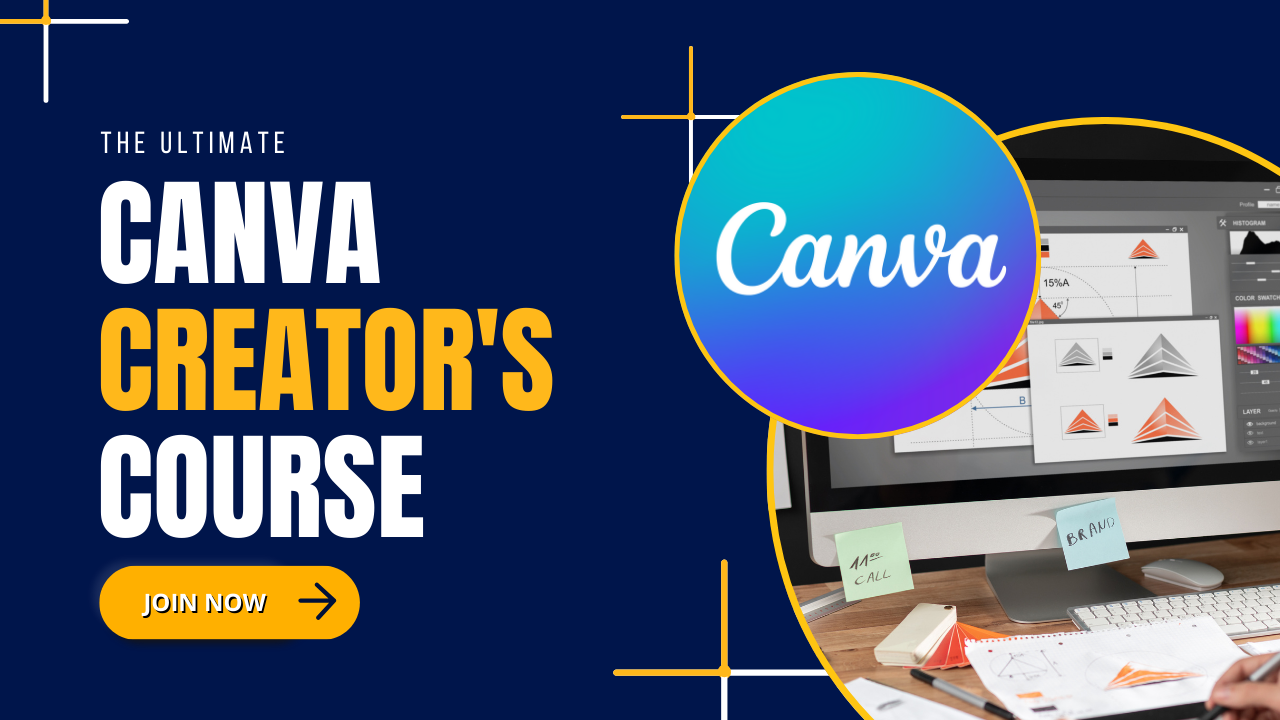
The Ultimate Canva Creator's Course
Bestseller
 Trending
Beginner
Trending
Beginner
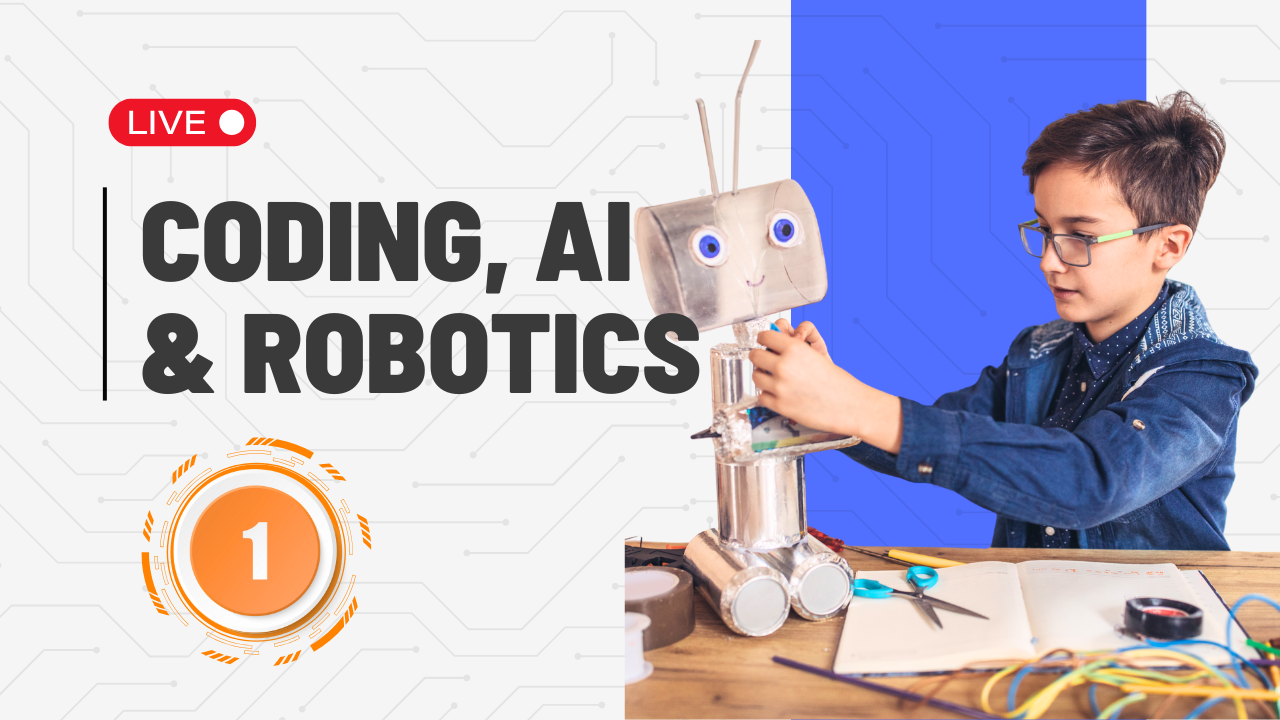
Coding, AI and Robotics For Class 1
Bestseller
Our Top Product Kits
Check out our best products made to make learning fun, easy and super exciting for everyone.
Beginner
Beginner
Beginner
Beginner
Intermediate
Beginner

Intermediate
Intermediate
Still Have Doubts? Let's Connect!
Our academic counselors are available 24/7 to help you choose the right path for your career goals.
Your information is 100% secure with us.